When writing Google Apps Script (GAS), you encounter various errors. From beginner-unfriendly errors like "Exceeded maximum execution time" and "INTERNAL Error" to Clasp-specific issues, we have compiled a list of solution articles explained on ZIDOOKA!.
Find the article that matches your error name or symptoms.
Execution Time & Timeout Issues
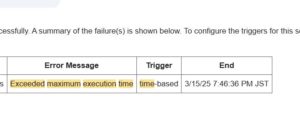
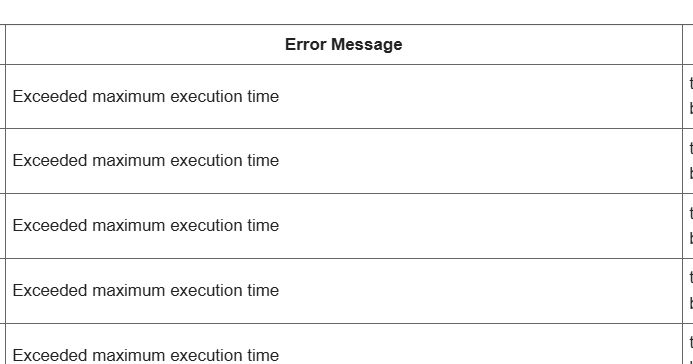
Exceeded maximum execution time
The famous "6-minute wall" of GAS. Occurs when the script runs for too long.
- Fixing GAS ‘Exceeded maximum execution time’ Error: How to Break the 6-Minute Wall
- Google Apps Script: A Gentle Guide to the “DEADLINE_EXCEEDED” Error
Syntax Errors & Typos
SyntaxError: Unexpected token / identifier
Errors caused by coding mistakes. Often caused by unexpected characters or missing brackets.
- SyntaxError: Unexpected token-The 3 things beginners should check first when this error appears in Google Apps Script
- How to Fix “SyntaxError: Unexpected identifier” in Google Apps Script
Internal & Mysterious Errors
INTERNAL Error
An error that occurs even when the code seems correct, likely due to Google's side issues or temporary glitches.
- What Causes the “INTERNAL Error” in Google Apps Script — and How to Fix It Reliably
- How to Fix Google Apps Script “INTERNAL Error” When the Code Is Correct
Permissions & Triggers
You do not have access…
Errors related to permissions, especially when sending emails from triggers.
Errors are part of the programming journey. Let's solve them one by one. We will update this list as we add more error solution articles.