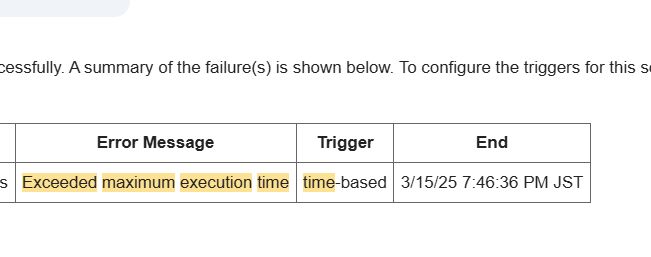
The error message “Exceeded maximum execution time” appears when a Google Apps Script execution exceeds the platform’s allowed runtime.
In practice, this error does not necessarily indicate a bug in your code. More often, it means the script is trying to do too much in a single execution.
A Real-World Scenario
In a production environment, this error often appears in time-driven triggers that process large spreadsheets, send emails, or call external APIs.
The script may work fine at first, then start failing as data grows.
The Key Insight
Rather than optimizing individual lines of code, the effective solution is usually to change how the work is divided:
- Process data in smaller batches
- Allow scripts to resume from where they stopped
- Avoid assuming everything must finish in one run
Conclusion
“Exceeded maximum execution time” is less about performance tuning and more about execution strategy. Once scripts are structured to work incrementally, this error often disappears entirely.