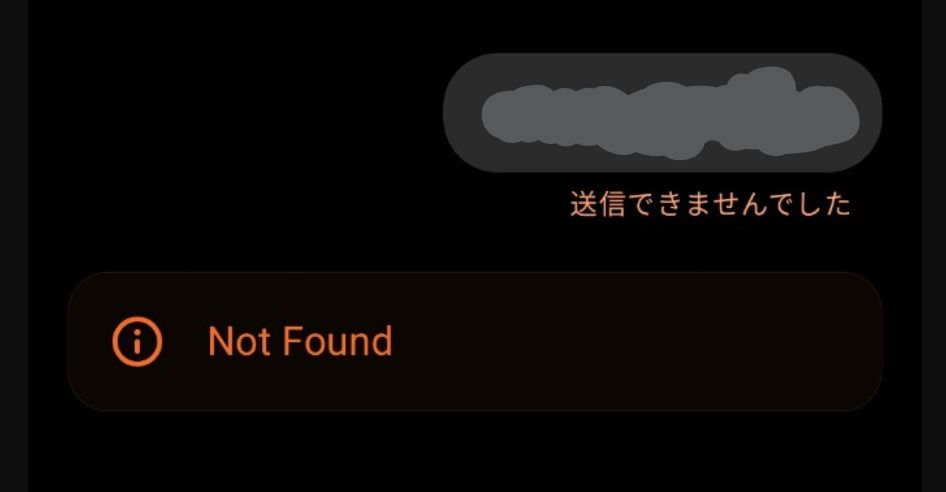
When using the ChatGPT Android app, you may sometimes see “Message failed to send” followed by a “Not Found” error. Although it looks serious, this issue is usually not caused by your message or account.
Why this happens
This error occurs when the conversation ID stored in the app no longer exists on the server. In technical terms, the app sends a request to a resource that has already expired, resulting in a 404‑type response.
Common triggers include:
- Sending a message after the app has been in the background for a while
- Switching between Wi‑Fi and mobile data
- Very long conversation threads
- Temporary server congestion
The content, language, or length of your message is not the cause.
How to fix it
The most reliable solution is simple: start a new chat and resend the same message. In most cases, this resolves the problem immediately.
If the issue persists, try restarting the app, toggling airplane mode, or using the web version of ChatGPT.
Avoid retrying in the same conversation thread, as the expired conversation ID may continue to trigger the error.
Important notes
This error does not indicate account restrictions, policy violations, or bans. It is a temporary session mismatch and has no negative impact on your account.
Conclusion
If you encounter a “Not Found” error in ChatGPT, switch to a new chat and continue your work. It is a common, harmless issue related to session handling, not a problem with your input.
