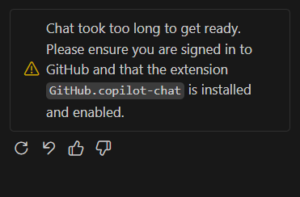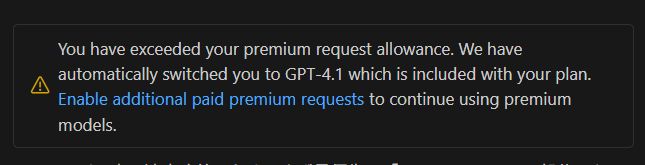
"You have exceeded your premium request allowance" — What to do (practical)
Example message (in VS Code)
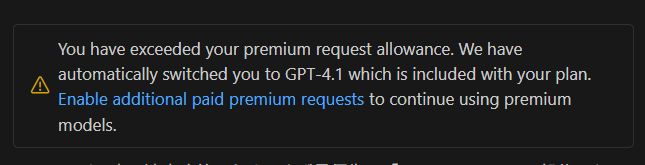
You have exceeded your premium request allowance. We have automatically switched you to GPT-4.1.
TL;DR
- This is not an OpenAI/ChatGPT limit — it's GitHub Copilot's "Premium Requests" quota.
- Two practical options: stick with the lighter model, or enable small pay-as-you-go budget on GitHub.
- I chose the middle ground: $5 monthly budget with "Stop usage when budget limit is reached" enabled.
Step-by-step (how to fix fast)
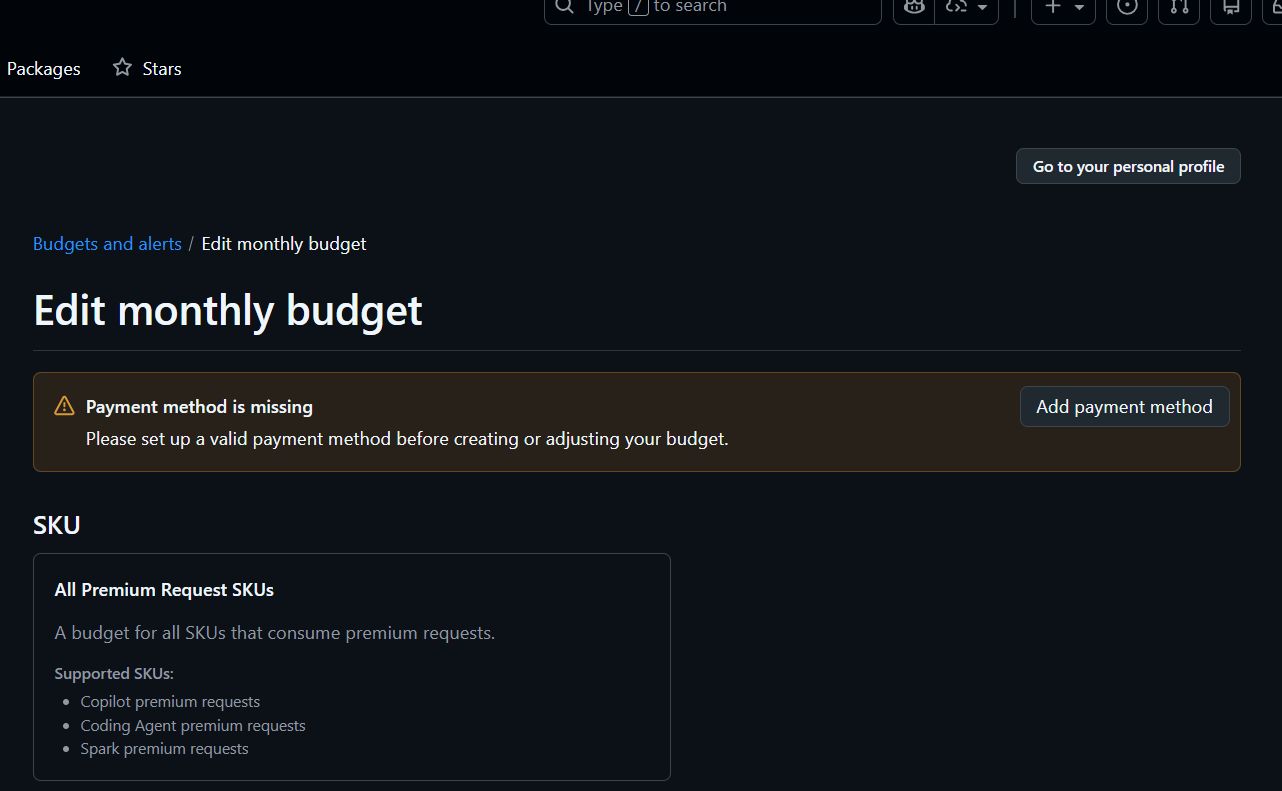
- Open GitHub → Billing → Budgets and alerts
- Add a Payment method if needed
- Select Premium Requests SKU and set
Monthly budgetto $5 - Turn on Stop usage when budget limit is reached
Why this works
- Price per premium request: $0.04
- $5 gives about 125 extra requests after included free requests are exhausted
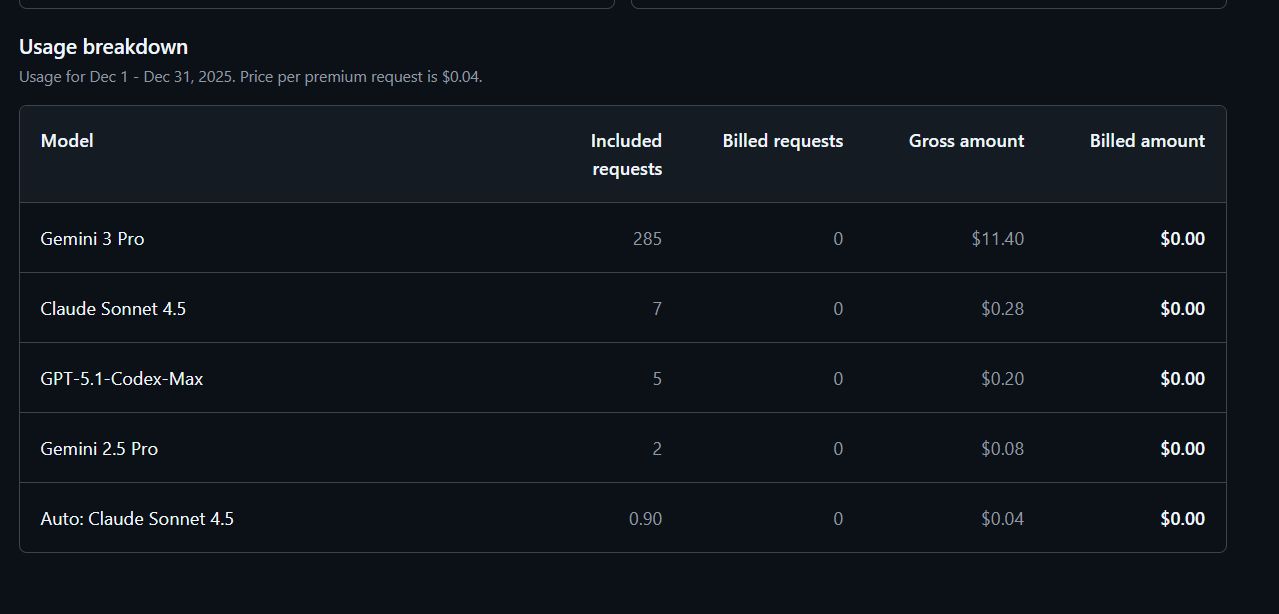
In my case, Gemini 3 Pro was the primary model consuming the quota (see usage breakdown).
Practical advice
- Use Copilot for code-level help, quick debugging, and small design questions.
- Offload heavy long-text work (drafting, long inference) to APIs like Gemini/OpenAI where you control billing.
- Start with $5, monitor, and raise to $10–$15 if needed.
Short Q&A snippet for copy/paste
Q: What should I do if I see "You have exceeded your premium request allowance"?
A: It's a GitHub Copilot limit. If you need premium features, enable a small monthly budget on GitHub (e.g., $5) and enable auto-stop to avoid surprise bills.
Images referenced are in images/ and the article is ready for WP posting in both JP and EN versions.