A Sudden Warning
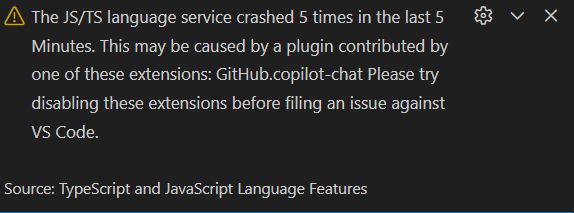
Hello, this is ZIDOOKA. While working in VS Code, a yellow warning appeared in the bottom right corner.
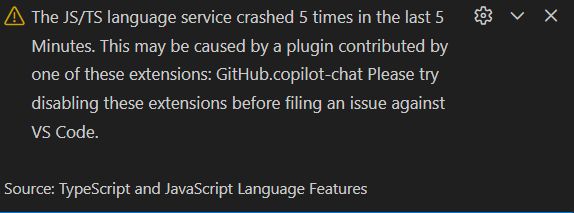
The JS/TS language service crashed 5 times in the last 5 Minutes. This may be caused by a plugin contributed by one of these extensions: GitHub.copilot-chat
It says the JS/TS language service crashed 5 times in 5 minutes, and GitHub Copilot Chat might be the culprit.
What's Happening?
Upon investigation, it seems that the tsserver (TypeScript and JavaScript Language Features) running behind the scenes in VS Code has crashed. This doesn't mean VS Code itself is broken, but rather the process responsible for code completion and type checking has gone down, likely due to overload.
Possible causes include:
- GitHub Copilot Chat Load: It might be scanning the entire project or node_modules too aggressively.
- Project Structure: Bloated node_modules or a tsconfig that is too broad.
My Decision: Ignore It
Despite the warning, I checked the current status:
- Editor performance is fine.
- CLI tools run without issues.
- Builds are succeeding.
There is no actual harm.
The error message looks alarming, but since there is no functional impact, I decided to "wait and see" (ignore it) for now. Errors like this are often temporary and tend to disappear on their own.
If Problems Arise
If code completion stops working or the editor becomes sluggish, I plan to try the following:
- Temporarily disable GitHub Copilot Chat
- Restart TS Server (via Command Palette:
TypeScript: Restart TS Server)
If it works, don't fix it. It's often best not to go down a rabbit hole when you can just keep working.