Seeing the message “Something went wrong while generating your image. Sorry about that.” can be frustrating, especially when the prompt seems normal. Fortunately, there are several common reasons behind this error and a few practical steps that often resolve it.
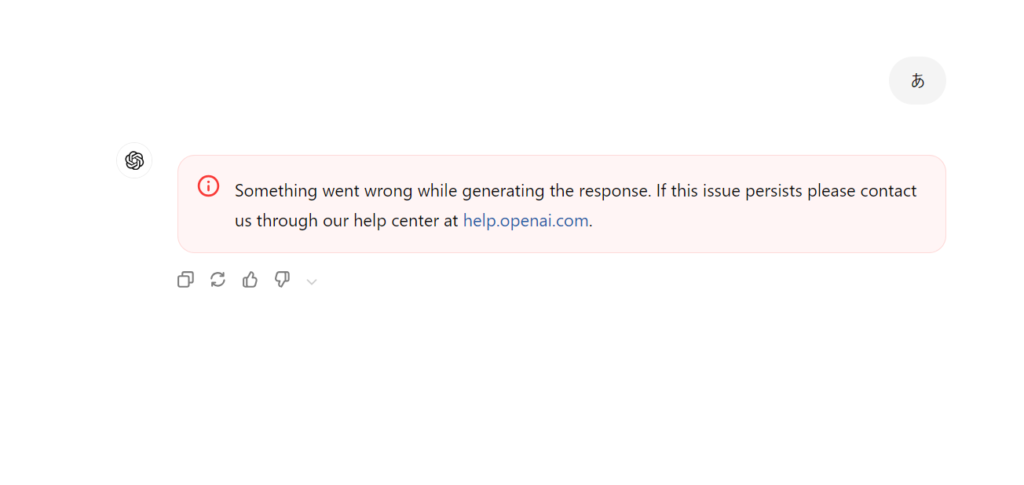
img:ChatGPT error message: “Something went wrong while generating the response.” This alert appears when the system fails to complete a request due to temporary server or network issues.
Why This Error Matters
When this message appears, it means the image-generation process stopped before completion. The issue is usually temporary and not caused by your device. Understanding the triggers makes it easier to recover quickly.
What Causes the Error
Several conditions can interrupt the creation process:
● Temporary server overload
Image models frequently hit capacity during peak usage. When the server can’t process your request in time, the system shows this message.
● Prompt-related filtering
If the input accidentally includes wording that triggers safety checks, the system may fail silently instead of providing a clear warning.
● Connection instability
Even a short drop in network stability—especially on Wi-Fi—can interrupt the generation pipeline.
● Overly long or complex prompts
Huge prompts, pasted paragraphs, or multi-step instructions increase processing load and may cause internal timeouts.
● Browser issues
Long sessions, cached scripts, or temporary conflicts in your browser can also cause the request to fail.
If none of these apply, the error often still resolves with a simple retry—because it’s frequently a platform-side hiccup.
What You Can Try
Here are actions that actually make a difference:
1. Retry the request
Most failures disappear on the second attempt.
2. Refresh the browser tab
A fresh session clears temporary script issues.
3. Simplify the prompt
Remove unrelated paragraphs or excessive detail.
4. Check your connection
Ensure the network isn’t switching or dropping packets.
5. Try incognito mode or another browser
This bypasses cache-related issues.
6. Wait briefly and try again
If the system is under heavy load, a short pause solves it.
If Nothing Works
When all steps fail, the issue is almost always on the platform side. In that case, the best approach is simply to try again later. It’s not caused by your device, and there is no user-side fix beyond waiting.
Conclusion
The error usually stems from temporary server conditions or minor prompt issues. A quick retry or a refreshed session solves it in most cases, and when it doesn’t, the situation is typically outside the user’s control. If you continue seeing the error consistently, reporting it through the help center is the only remaining step.