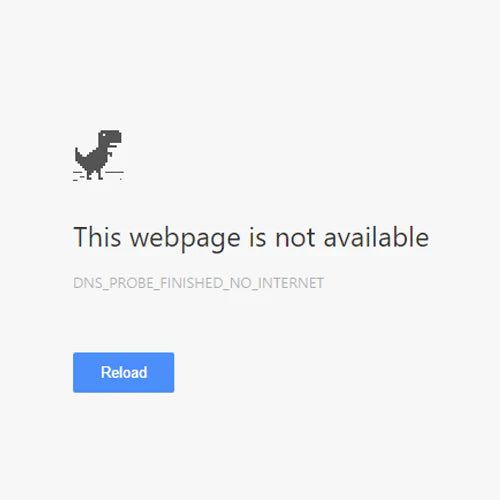
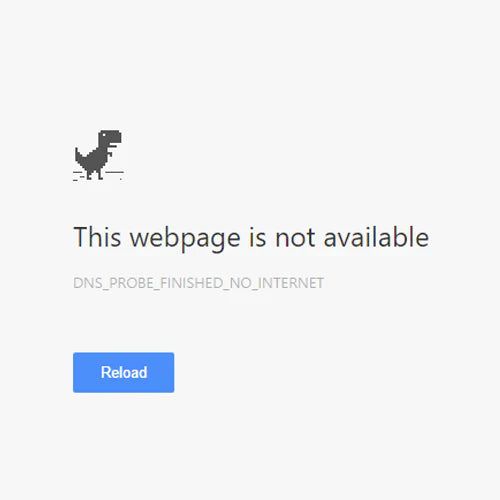
dns_probe_finished_no_internet
This error suddenly appears in Google Chrome, and you might find yourself in a situation where "Wi-Fi is connected, but I can't browse the internet."
In this article, I will explain the causes and solutions for this error.
What is dns_probe_finished_no_internet?
This is a network error generated by Google Chrome.
- Chrome network error
- Occurs when Chrome determines it "cannot go outside" during DNS lookup
- Not a website issue
Chrome tried to ask the DNS "Where is this URL?", but realized "I can't even get out to the internet" and stopped.
Causes
The main causes are as follows:
- Temporary router/line failure
- Public Wi-Fi authentication not completed
- VPN/Security software interference
- Provider DNS failure
Solutions
Please try the following steps:
- Restart your router
- Switch to another network (e.g., smartphone tethering)
- Turn off VPN
- Change DNS server to 8.8.8.8
Related Information
- Why Does “Access Denied” Appear via Akamai? Causes & Fixes for Mobile and PC
- Chrome Network Error Summary
- dns_probe_finished_nxdomain
References:
- SoftwareKeep – How to Fix DNS Probe Finished No Internet https://softwarekeep.com/help-center/how-to-fix-dns-probe-finished-no-internet
