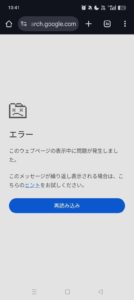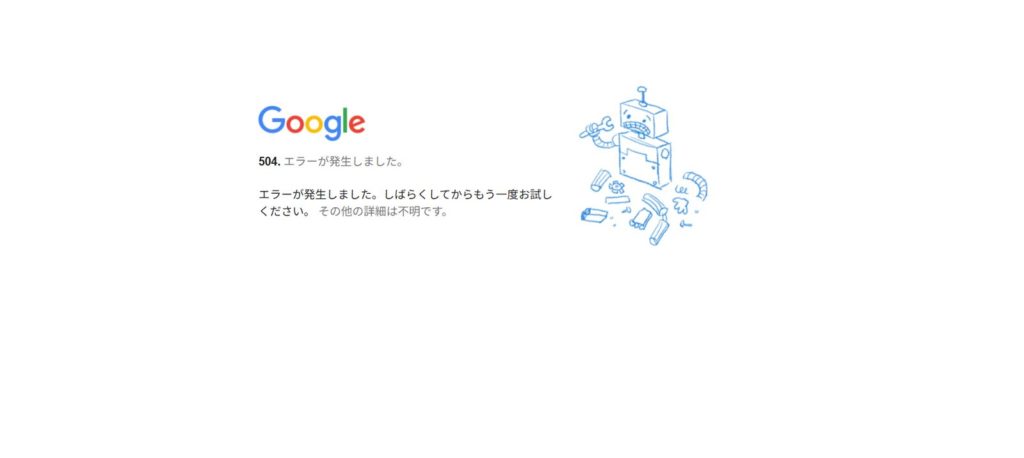
When using Google services like Gmail, Google Classroom, or Google Drive, you might suddenly encounter a screen that says:
"504. That’s an error." "The server encountered a temporary error and could not complete your request."

This error indicates a communication issue between servers, not a mistake on your part. This article explains what this error means and what you can do about it.
Conclusion: It's a Server-Side Timeout
The "504 Error" is formally known as HTTP 504 Gateway Timeout. It means that a server (gateway or proxy) acting as an intermediary did not receive a timely response from an upstream server.
In simple terms: "Google's servers are congested or taking too long to respond."
Common Causes
The background behind a 504 error usually involves one of the following scenarios:
Upstream Server Delay or Outage Google's backend servers are taking too long to respond, and the gateway server "timed out" waiting for them.
High Traffic or Server Overload When too many requests hit a specific service at once, the servers cannot process them fast enough.
Proxy or Network Configuration Sometimes, proxy servers within a corporate or school network fail to properly relay communication to Google.
What to Do When You See This Error
Since this is primarily a server-side issue, your options are limited, but the problem is usually temporary. Try the following steps:
Fix 1: Wait a Few Minutes and Reload
The most effective solution is simply to wait. Once the server load decreases, you should be able to access the service normally.
Fix 2: Clear Browser Cache
Old cache data might be causing the error to persist. Try a hard refresh (Ctrl + F5 on Windows, Cmd + Shift + R on Mac) or clear your browser's cache.
Fix 3: Try a Different Network
Switching from Wi-Fi to mobile data (tethering) or a different network can sometimes bypass problematic intermediate servers or proxies.
Summary
- 504 Error indicates a server-side timeout.
- It is caused by delayed responses from servers or gateways, not by a malfunction of your device.
- In most cases, waiting and retrying will resolve the issue.
If the error persists frequently, check the Google Workspace Status Dashboard or contact your network administrator.