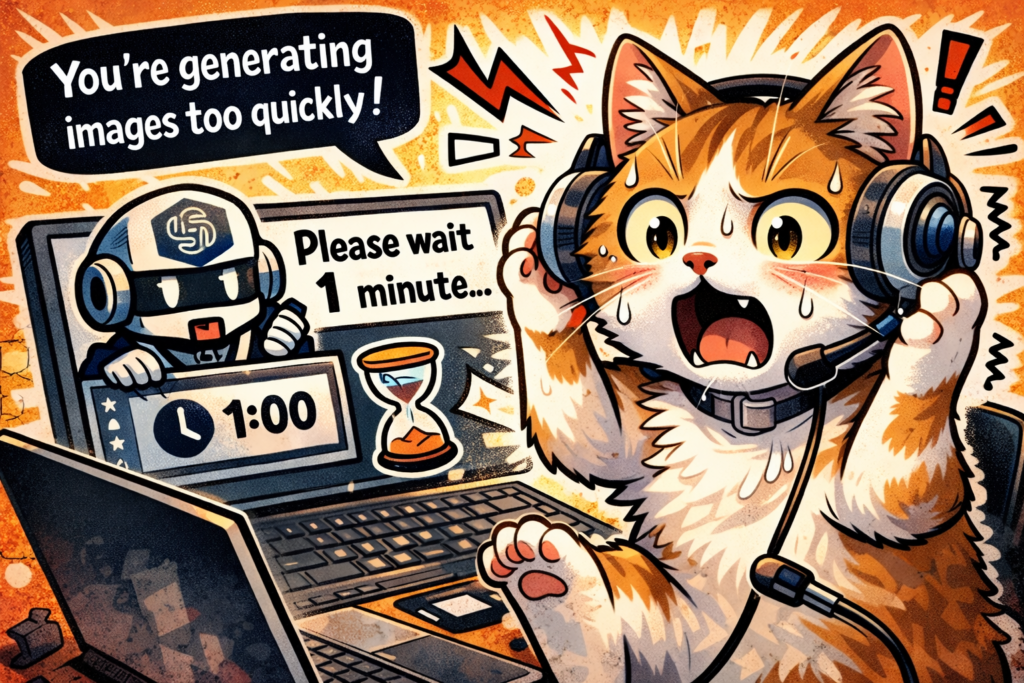
When generating images in ChatGPT, you may see the message:
You’re generating images too quickly. Please wait for 1 minutes before generating more images.
This is not an error. It is a temporary rate limit applied only to image generation.
What This Message Means
ChatGPT limits how frequently images can be generated to ensure system stability and fair usage.
When requests are sent too quickly, image generation is temporarily paused.
Key points:
- This is not an account issue or ban
- The restriction is temporary
- Text-based features continue to work normally
Common Triggers
This often happens during iterative design work, such as:
- Generating an image
- Requesting small adjustments
- Repeating this process rapidly
Design workflows naturally hit this limit more often.
How to Handle It Properly
1. Wait Briefly
Waiting 1–2 minutes is usually enough for the limit to clear automatically.
2. Optimize Your Workflow
While waiting, define your next image request clearly in text:
- Intended use
- Size constraints
- Color mode
- Line thickness or fill ratio
- Print requirements
This reduces the need for repeated regenerations.
Important Notes
- This can happen even on paid plans
- Only image generation is restricted
- Planning requests in advance prevents most interruptions
Conclusion
The message indicates a temporary system limit, not a failure.
By waiting briefly and structuring image prompts carefully, you can continue working efficiently without issues.