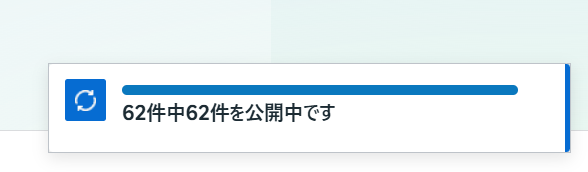
While working in Meta Ads Manager, I encountered a UI issue where the blue status bar — showing messages like “〇 of 〇 published” — stayed stuck in the bottom-right corner. Even after refreshing the page and navigating across different sections, the bar remained fixed on the screen and wouldn’t disappear.
Although this didn’t affect actual ad delivery, the persistent overlay interfered with visibility and made normal operations frustrating. Standard troubleshooting steps such as clearing the cache, refreshing, or logging out did not resolve the issue.
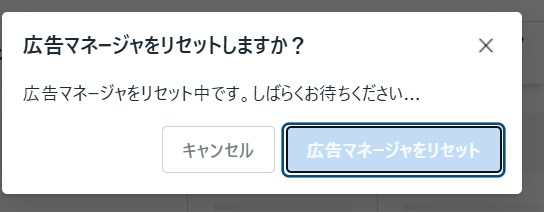
Eventually, I noticed a button in the upper-right corner labeled “Reset Ads Manager.” It’s a feature easily overlooked because it’s rarely needed in regular operations. Pressing it triggered a complete UI reload, and the stuck status bar finally disappeared.
This function appears to rebuild the UI by clearing internal cached components. It may look like a trivial tool, but for this particular issue, it was the only reliable fix.
If you experience a similar situation where a status bar or notification refuses to go away, using the Reset Ads Manager button is worth trying before resorting to more disruptive actions.