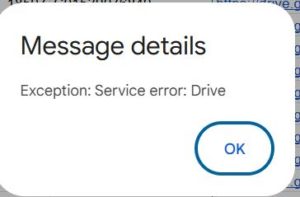
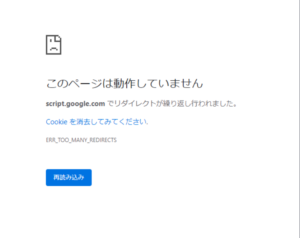
User has not enabled the Apps Script API. Enable it by visiting https://script.google.com/home/usersettings then retry. If you enabled this API recently, wait a few minutes for the action to propagate to our systems and retry.このエラーが出た場合、3分ほどで修正できます。
ClaspでコードをGASにpushしようとした場合などに出てくるかと思います。
まず、APIを有効化する
https://script.google.com/home/usersettings
↑ここにアクセスしてください。
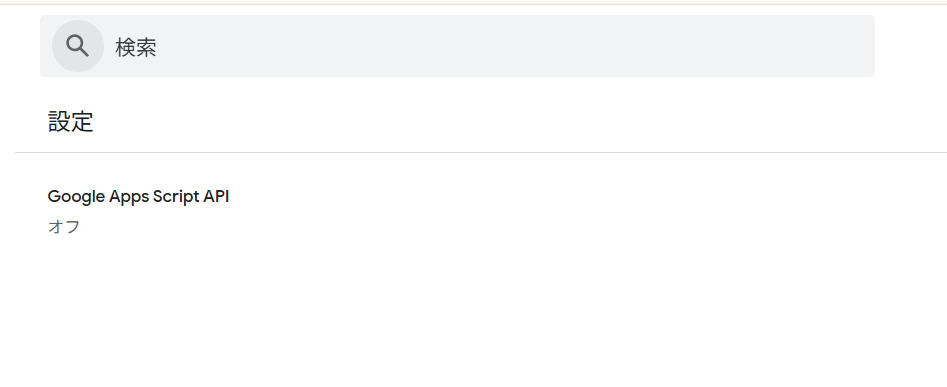
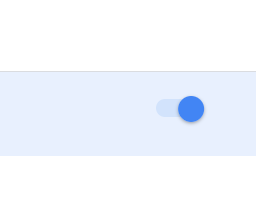
右側のトグルを押してONにする
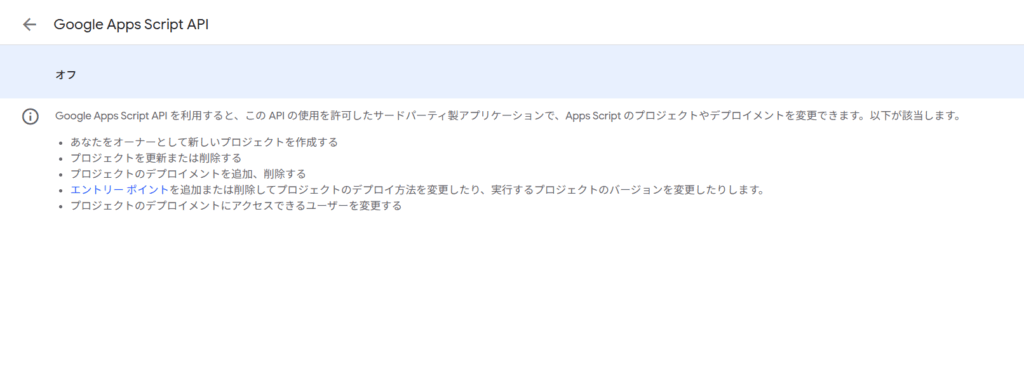
右側に↓こんなトグルがあるのでONにしてください
再度pushする
再度pushすると通ります!!
ーーーーーーーーー
clasp push は Google Apps Script API を使って、ローカルのコードを Google のサーバーにアップロードします。
でも、あなたのアカウントではまだその APIが無効 になっていたので、
「APIが使えないからアップロードできません」
と怒られているわけです。
つまり、
原因 = Apps Script API が無効だったから。
有効化すれば解決します 👍