"I uploaded the images." "This part of WP… there's just too much stuff here, it's annoying. Can't I reduce it?"

I know. It's the classic "Post List becomes the Graveyard of the Admin Panel" situation. The conclusion is: yes, you can reduce it. And you can do it either "temporarily" or "permanently".
1. The Easiest Way: Top Right "Screen Options"
Start with this.
Post List Top Right → "Screen Options"
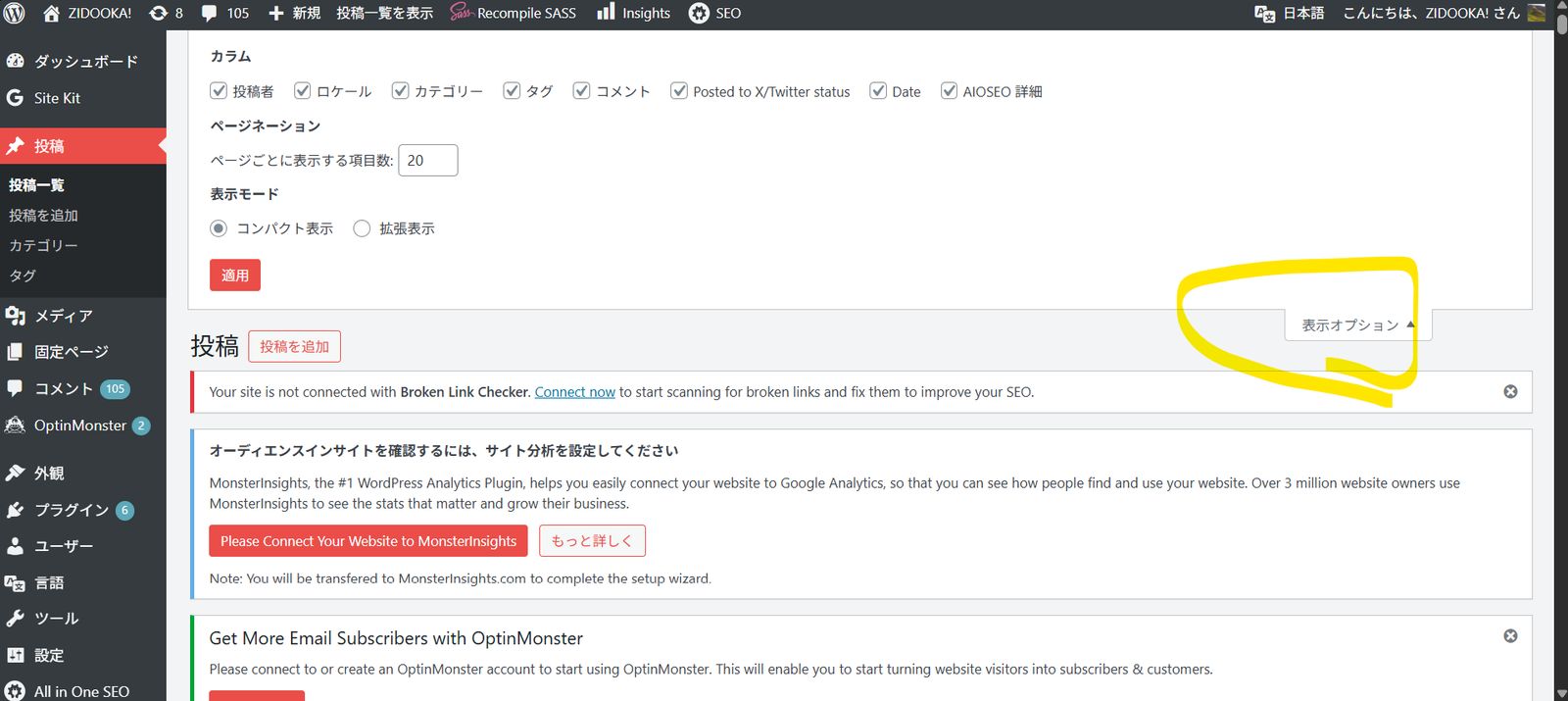
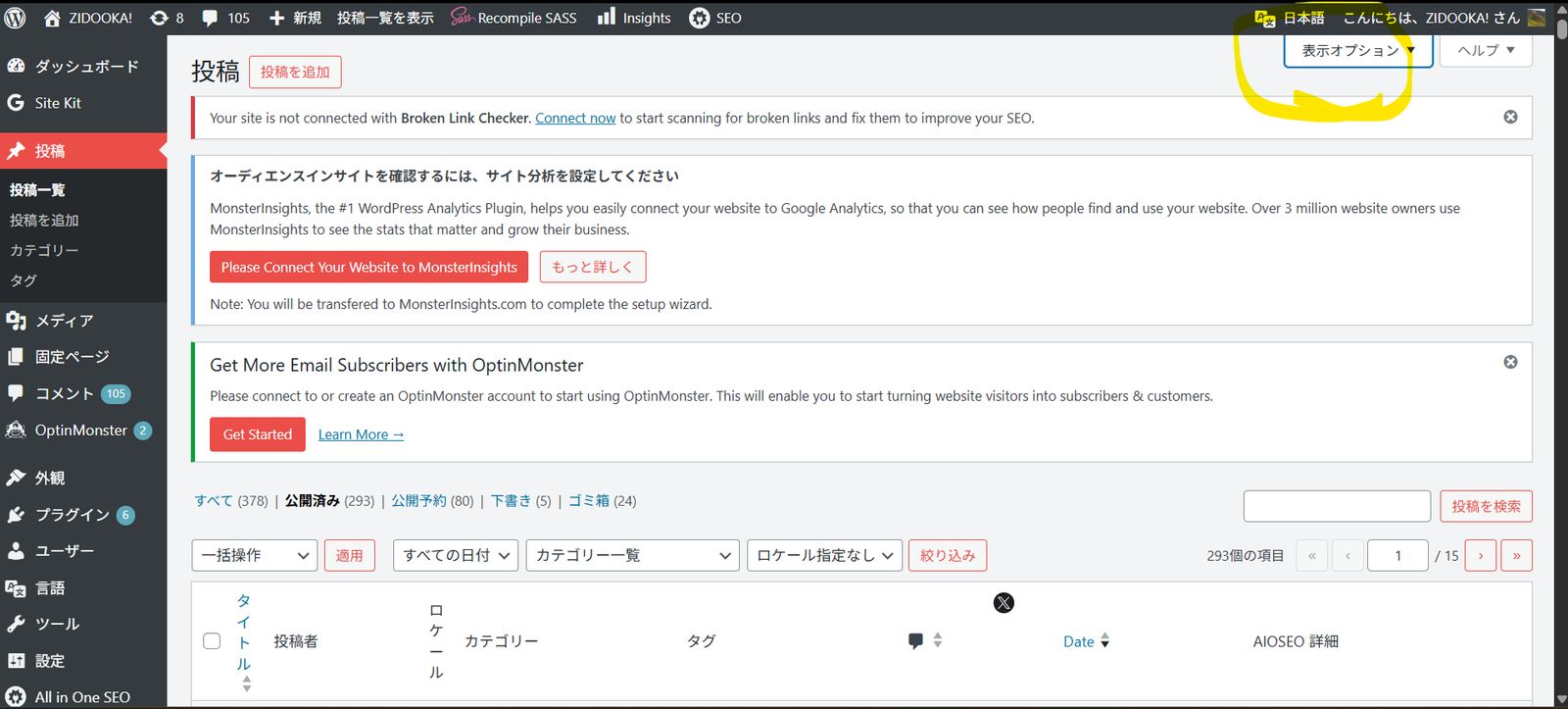
- ☑ TruSEO Score
- ☑ AIOSEO Details
- ☑ Tags
- ☑ Locale
- ☑ Comments
→ Just uncheck the ones you don't need.
- ✅ Per User
- ✅ Works Immediately
- ❌ Needs setting for each user
- ❌ Might come back after plugin updates
If you just think "it's annoying right now", this solves 80% of the problem.
2. Ban Columns from Plugins (Recommended)
AIOSEO / TruSEO plugins tend to spawn columns on their own, so deleting them on the WordPress side makes things stable.
Add to functions.php (Safe):
// Remove unnecessary columns from post list
add_filter('manage_posts_columns', function ($columns) {
    unset($columns['aioseo-details']); // AIOSEO Details
    unset($columns['aioseo-score']);   // TruSEO Score
    unset($columns['tags']);           // Tags
    unset($columns['comments']);       // Comments
    return $columns;
});
If you have custom post types:
add_filter('manage_posts_columns', 'remove_post_columns', 100);
add_filter('manage_pages_columns', 'remove_post_columns', 100);- ✅ Common for all users
- ✅ Won't come back even after plugin updates
- ✅ Admin panel becomes a clean "Workspace"
3. Stop it in AIOSEO Settings (Official Route)
If you continue to use AIOSEO, this is also an option.
AIOSEO → Settings → Search Appearance or Admin Settings
"Show TruSEO Score in Post List" → OFF
"SEO Details Column" → OFF
❌ Item names tend to change with versions
❌ Sometimes turns back ON
The ZIDOOKA! Optimal Solution
Assuming your operation style (Massive articles, High speed, CLI posting):
Conclusion: 2. Delete columns with PHP is the best.
Reason:
- SEO Score is enough if seen in the "Edit Post" screen.
- The Post List should be a Production Management View.
- 293 articles × Horizontal scrolling kills productivity.
Bonus: Minimum Recommended Configuration
You only need to keep these columns 👇
- ☑ Title
- ☑ Category
- ☑ Author (if needed)
- ☑ Date
→ List = UI for assembly line work.