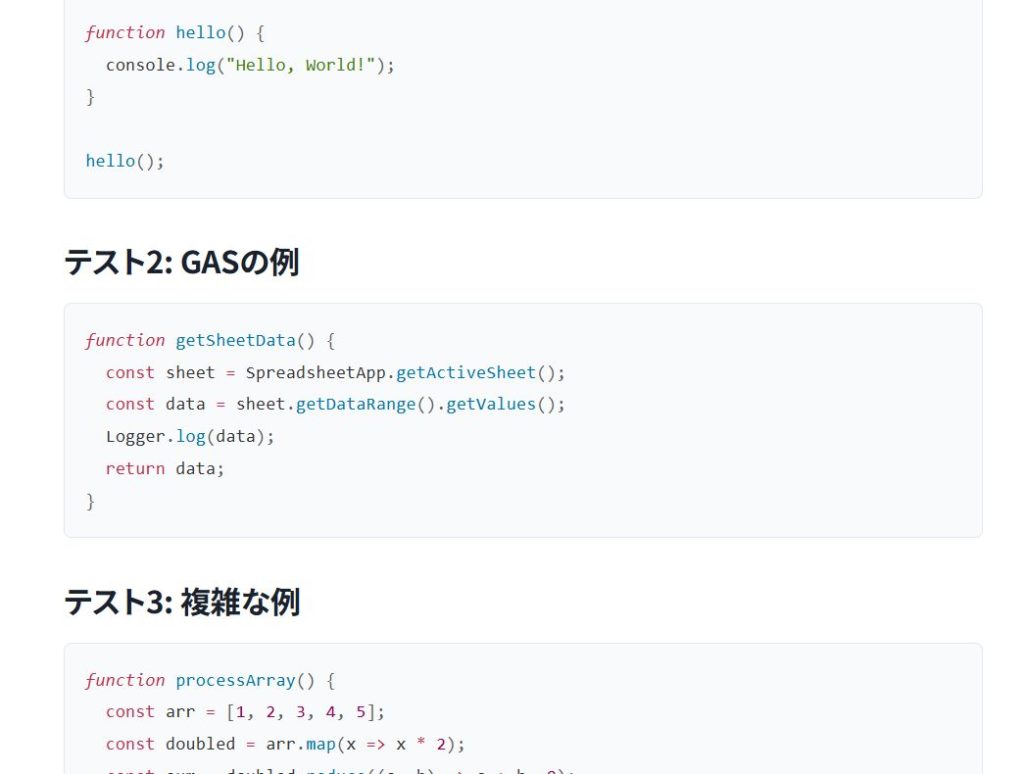
When writing technical articles on WordPress, code readability directly affects content quality. This is especially true for Google Apps Script (GAS) and JavaScript articles, where proper syntax highlighting significantly improves comprehension.
With normal Gutenberg editing, Highlighting Code Block (HCB) works without issues. However, when posting articles via the WordPress REST API, code blocks may fail to render or highlight correctly if they are not structured properly.
This article explains how to embed HCB-compatible code blocks correctly when posting via the REST API, based on real-world implementation.
Use Gutenberg Block Comment Syntax
When using HCB through the REST API, simply sending <pre><code> is not sufficient.
You must send the content in a format that Gutenberg can explicitly recognize as a code block, using block comments.
Basic Structure Recognized by HCB
Internally, HCB hooks into Gutenberg's native code block. Therefore, your content must include the following structure:
<!-- wp:code -->
<pre class="wp-block-code"><code class="language-javascript">
function sample() {
  Logger.log("Hello World");
}
</code></pre>
<!-- /wp:code -->
The <!-- wp:code --> and <!-- /wp:code --> comments are essential.
They allow:
- Gutenberg to recognize the block as a code block
- HCB to apply syntax highlighting correctly
Example REST API Payload
When posting via Node.js, GAS, or any other REST client, include the block as a raw string in the content field.
{
  "title": "TypeError: xxx is not a function – Causes and Fixes",
  "status": "publish",
  "content": "<!-- wp:code -->\n<pre class=\"wp-block-code\"><code class=\"language-javascript\">function test() {\n  const x = {};\n  x();\n}\n</code></pre>\n<!-- /wp:code -->"
}
Key points:
- Do not use
<br>inside code blocks - Preserve line breaks using
\n - Avoid double HTML escaping
- Match
language-javascriptwith your HCB settings
Common Mistakes
Sending Only <pre><code>
<pre><code>...</code></pre>In this case, Gutenberg treats the content as plain HTML. As a result, HCB may not apply syntax highlighting.
Over-Escaping HTML
<pre><code>If the content is over-escaped before sending, WordPress will not interpret it as a code block. Keep escaping to an absolute minimum.
Why HCB Works Well Even with REST API Posting
Using HCB provides the same benefits regardless of how the post is created:
- Clear language specification (
language-javascript, etc.) - Theme-independent rendering
- Gutenberg-native and future-proof
- Improved credibility for technical articles
For automated posting workflows, stable code rendering equals content quality.
Operational Notes from ZIDOOKA!
At ZIDOOKA!, the workflow is:
- Convert Markdown to HTML via CLI
- Replace code blocks with Gutenberg block comment syntax
- Publish posts via the REST API
This approach has virtually eliminated:
- Broken code formatting
- Inconsistent highlighting
- Theme-dependent rendering issues
Summary
When using Highlighting Code Block via the WordPress REST API:
- Always use Gutenberg block comment syntax
- Do not rely on raw
<pre><code>alone - Preserve line breaks with
\n
Once implemented, this setup allows you to publish large volumes of GAS and JavaScript articles with consistent, high-quality code blocks.
