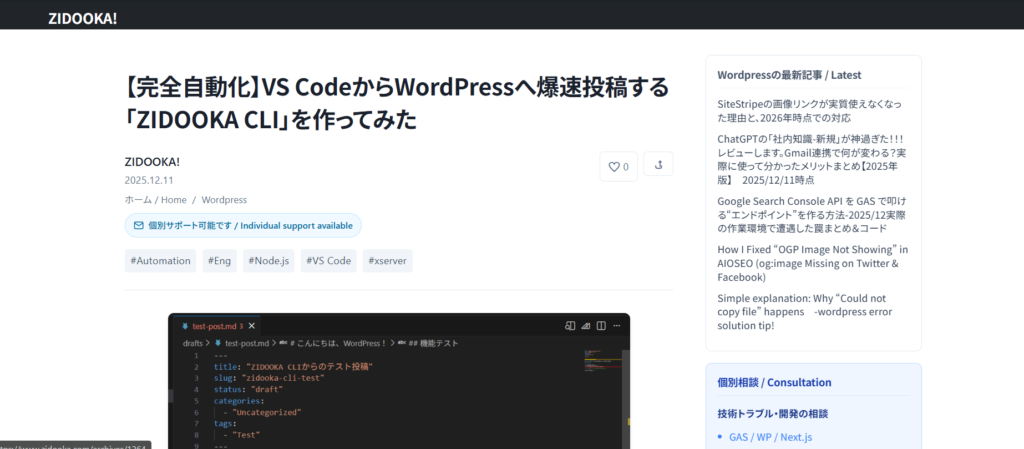
Tired of the Slow WordPress Admin Panel?
Hello, this is ZIDOOKA! Do you write your blog posts directly in the WordPress admin editor? Honestly, isn't it slow, clunky, and annoying to manage images?
As a developer, I spend most of my time in VS Code. I always thought, "If only I could write articles here and post them with a single command…"
So, I built it.
Introducing "ZIDOOKA CLI".

What Can This Tool Do?
Built with Node.js, this tool interacts with the WordPress REST API to automate the posting process. Here are the key features:
- Write in Markdown: Write comfortably using standard Markdown syntax.
- Auto Image Upload: Just reference local images like
, and the tool uploads them and updates the links automatically. - Auto-Convert to Gutenberg Blocks: This is the killer feature. It doesn't just dump HTML; it converts Markdown into native WordPress "Blocks", making it easy to edit later.
- WAF/403 Bypass: Includes logic to bypass strict server security (like SiteGuard) that often blocks API requests.
How It Works
Usage is simple. Write a Markdown file in VS Code, then run the command in the terminal:
node src/index.js post drafts/my-article.mdThat's it. Your article is uploaded with all images properly placed.
The Gutenberg Conversion
Traditional Markdown converters often result in a single "Classic Block" or "Custom HTML" block, which looks outdated. My tool parses the Markdown and converts it into proper Heading, Paragraph, Image, and Code blocks.

As you can see, it looks native in the WordPress editor.
Dev Story: Fighting the 403 Forbidden
The hardest part of development was dealing with "403 Forbidden" errors. Even after disabling the WAF, image uploads were blocked, or English posts were rejected.

I eventually solved this by implementing a "Two-Step Posting Strategy": creating an empty draft first, then updating the content. This successfully bypassed the server-side spam filters.
Conclusion
"If you don't have it, build it." That's the joy of programming. Thanks to this tool, my writing workflow has improved dramatically.
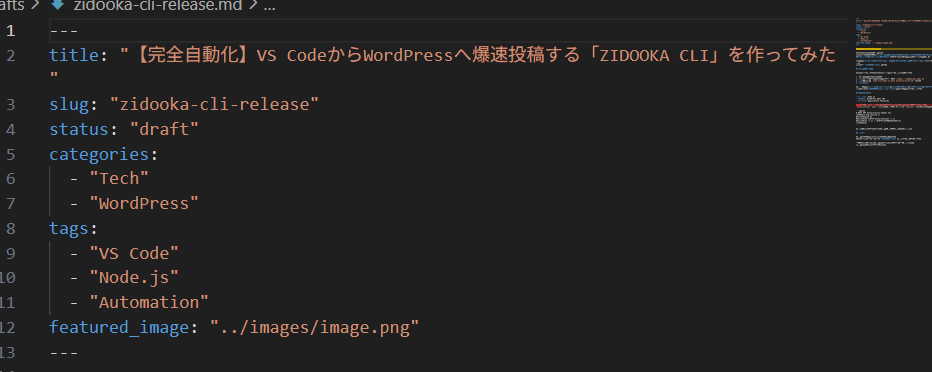
If you are a developer who wants to post from VS Code, I highly recommend trying to build your own CLI with Node.js and WP REST API. It's easier than you think!