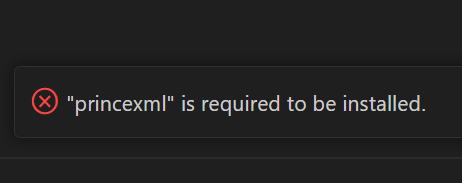
While trying to export a PDF using Markdown Preview Enhanced in Visual Studio Code, I encountered the error:
“princexml is required to be installed.”
Most search results pointed to only one troubleshooting article, so I’m documenting my own steps here for anyone running into the same issue.
Reference:
“Markdown Preview Enhancedでprinceを利用してPDF化するときに日本語が文字化けする”
https://qiita.com/rrr/items/9b938f7b58d609f32e62
Environment
- Windows 11
- Visual Studio Code
How I Solved It
The solution is surprisingly simple:
- Go to the official PrinceXML download page
https://www.princexml.com/download/15 - Download the Windows installer
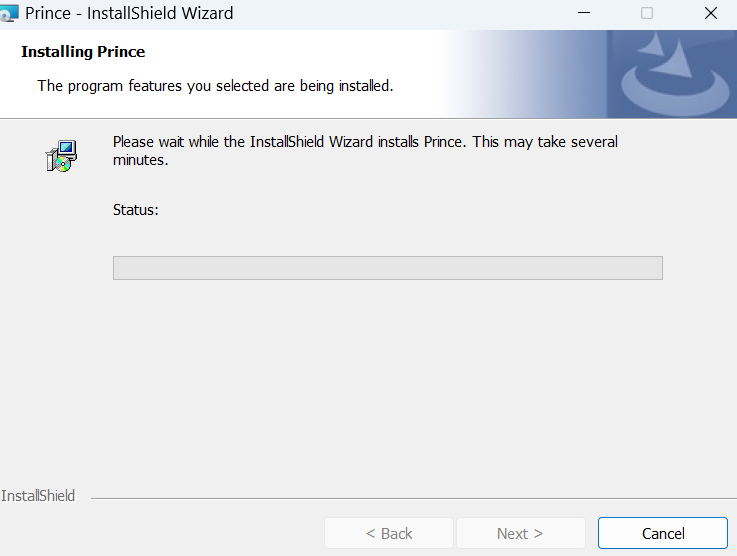
- Install it normally — no need for a package manager or command-line setup
In my environment, I was prompted to install .NET Framework during the PrinceXML installation process. After completing it, the PDF export from Markdown Preview Enhanced worked without any further issues.