Still Getting 403 Errors After Disabling WAF?
Hello, this is ZIDOOKA. I recently encountered a persistent 403 Forbidden error while trying to upload images to WordPress using my custom CLI tool.
"Ah, it must be the WAF (Web Application Firewall)," I thought. So, I went to my hosting provider's control panel (Lolipop!) and disabled the WAF settings.
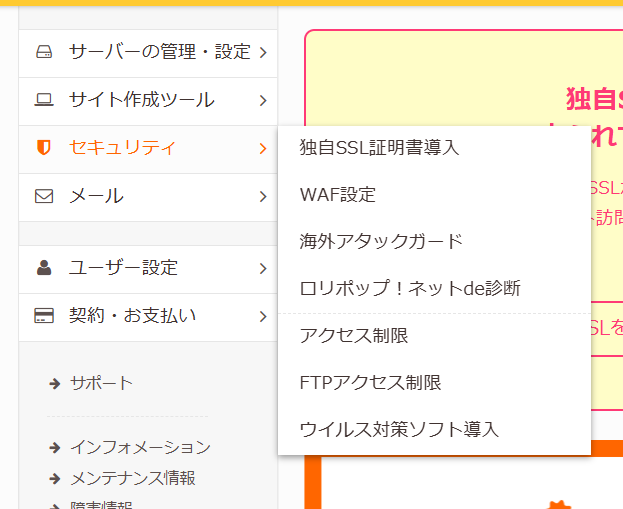
However, even after disabling WAF and checking .htaccess, the 403 error persists.
No Errors in the Logs
What's even more baffling is that there are no errors recorded in the WAF detection logs.
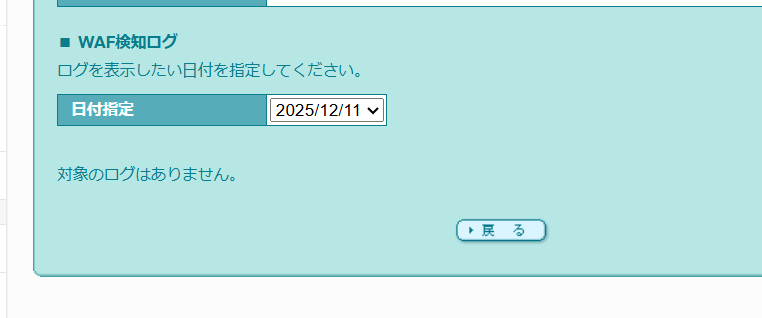
Usually, if WAF blocks a request, it leaves a log entry here. But in this case, it seems I am being blocked without detection, which is a very strange state.
Suspected Causes
I am currently investigating, but I suspect the following possibilities:
- Reflection Time Lag: Changes to WAF settings on Lolipop can take some time to propagate (from a few minutes to an hour).
- Other Security Features: Besides WAF, other features like "Overseas IP Restriction" or WordPress security plugins (like SiteGuard) might be interfering.
- REST API Restrictions: There might be specific server-side restrictions on the
wp-json/wp/v2/mediaendpoint.
Current Workaround
For now, I have no choice but to upload images manually via the WordPress dashboard.
Updating post text (wp/v2/posts) works fine, so it seems only the image data (binary) transmission is being flagged.
If you encounter the same issue, try checking settings other than WAF. I will update this post once I find a definitive solution.