In the previous article, I summarized what to check when the AdSense PIN doesn’t arrive and how to handle delays. This time, based on my own environment and experience, I’m outlining what actually happened after the PIN arrived, how the verification progressed, and how the system transitioned toward being ready for the first payout. The overall flow seems complicated at first glance, but once you understand the sequence, the process becomes quite straightforward.
■ What I Actually Did Once the PIN Arrived
When I opened the envelope, a six‑digit PIN was printed inside. Entering it into the AdSense dashboard immediately updated the verification status. I noticed that some digits can be easy to misread (especially 0, 6, 8, and 9), so entering the PIN carefully is important. Once this step was completed, the address verification was officially finished.

■ The Importance of the 4‑Month Rule
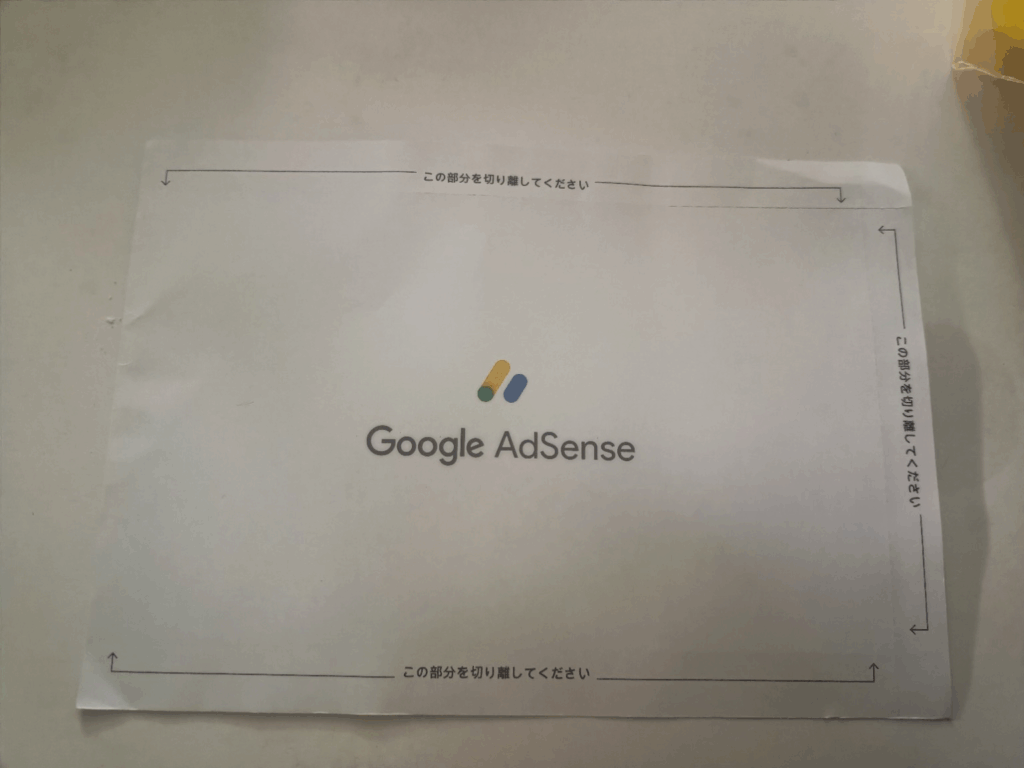
The PIN must be entered within four months of being issued, otherwise ad delivery will be paused. Because of this deadline, it’s safer to enter it soon after it arrives. The envelope is very distinctive, so once it showed up, the process moved smoothly.
■ Registering a Bank Account and the Small Test Deposit
After the address verification, the next step was registering a bank account. A business‑use online bank worked without any issues. Within three business days, Google sent a test deposit of less than ¥25.
■ Reaching the “Ready for Payment” Status
Once all steps were completed, the dashboard showed all items marked as Complete in green. At this point, there is nothing more to configure on the user side. When earnings exceed the payment threshold, the transfer will be processed automatically. The dashboard becomes much clearer once all verifications are completed, making the overall payment flow easy to understand.
■ References
- Google AdSense Help: How to verify your PIN https://support.google.com/adsense/answer/157667
- Google AdSense Help: How to set up a payment method https://support.google.com/adsense/answer/1714397
- Google AdSense Help: Payment schedule https://support.google.com/adsense/answer/1709871