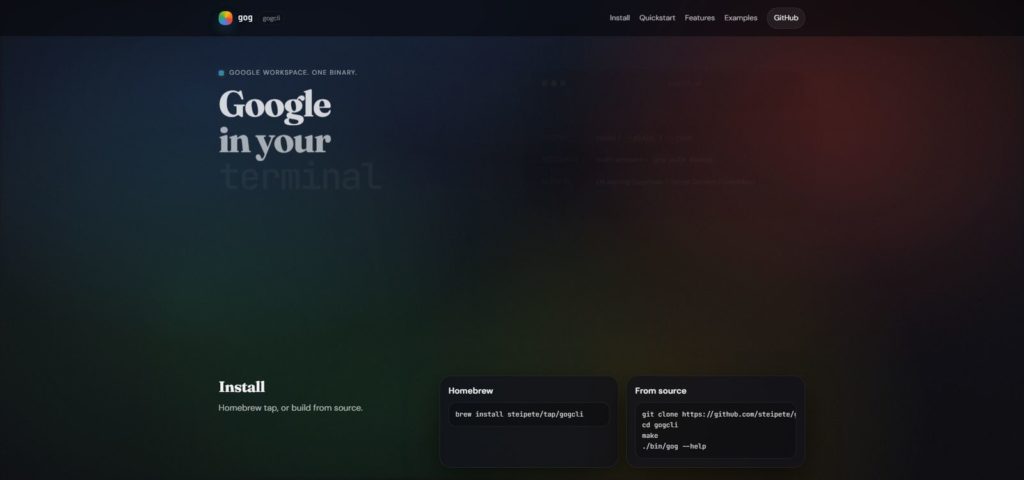
When doing vibe coding (writing code through conversation with AI), I often find myself saying things like "look at this error email" or "analyze this log file."
Key Insight: Using CLI tools (like gog) allows you to "dump" accurate text information to AI without taking screenshots or uploading files.
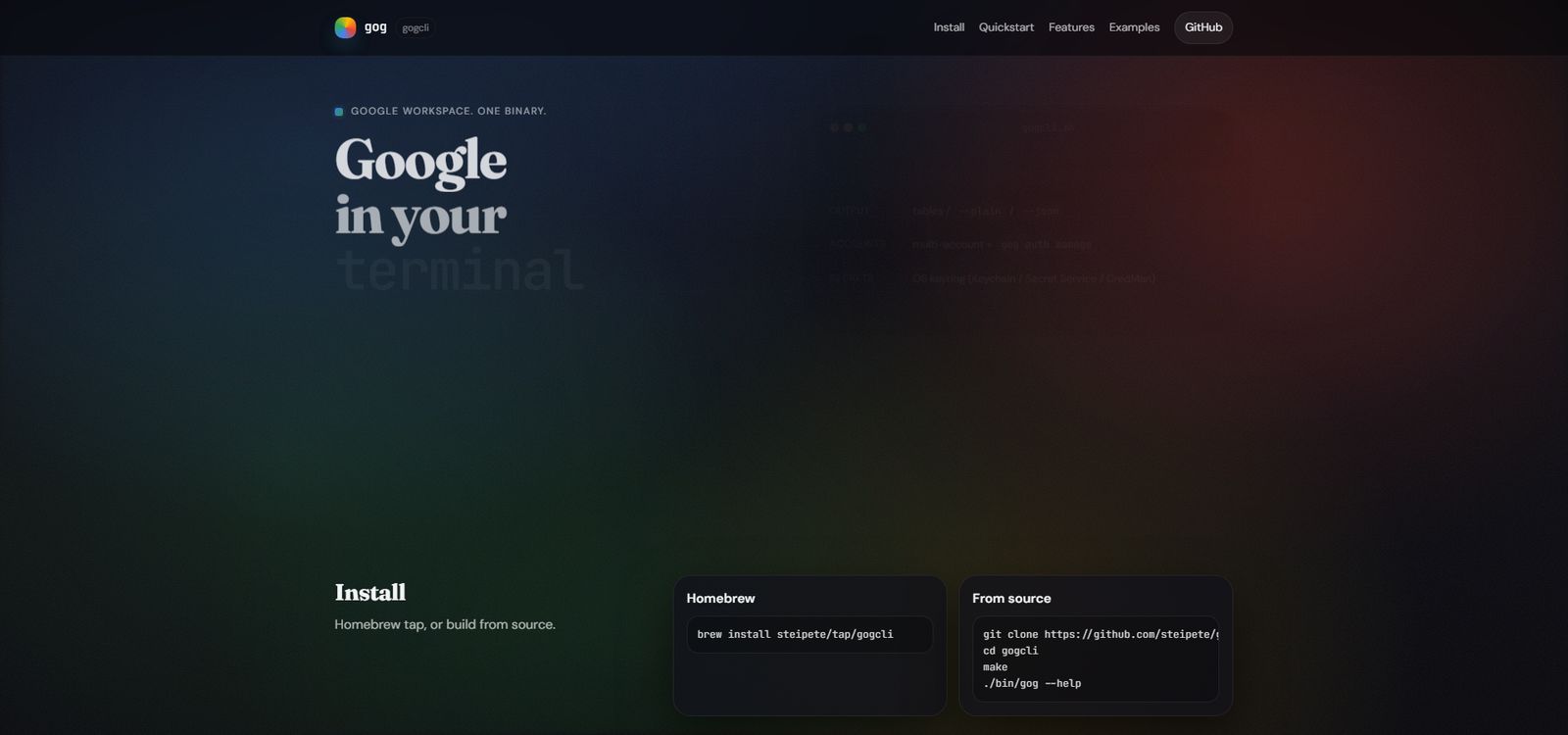
The Problem with Traditional Methods
When an error occurs during vibe coding:
- Take a screenshot → Upload the image → Show it to AI
- Open Gmail in browser → Find the error email → Copy the content → Paste to AI
These methods are time-consuming and often result in lost context.
The Efficient Way Using CLI Tools
# List unread emails
gog gmail messages list --label UNREAD --max 5

# Get specific email content
gog gmail messages get <message-id>

# Download log file from Drive
gog drive download <file-id> --out ./error.log
Benefits of this approach:
- Get information instantly without opening a browser
- Copy-paste accurate text data
- More precise than image analysis for error details
Real Workflow Example
[Error Occurs]
    ↓
gog gmail messages list --query "from:alerts@example.com"
    ↓
(Identify error email ID)
    ↓
gog gmail messages get <message-id>
    ↓
(Copy the content)
    ↓
Paste to AI: "Look at this error email and identify the cause"
    ↓
AI analyzes → Suggests code fix
Other Useful CLI Tools
- gh (GitHub CLI) → Get Issue and PR contents
- aws-cli → Check AWS logs and configurations
- kubectl → Get Kubernetes pod logs
Key Point: The true power of vibe coding lies in "quickly providing accurate context to AI." CLI tools serve as that bridge.
Summary
To maximize vibe coding efficiency, CLI-ifying your information retrieval methods dramatically improves productivity.
- Eliminate browser operation overhead
- Pass accurate text information directly to AI
- Minimize context loss
Action Item: Pre-install CLI tools like gog, clasp, and gh to make vibe coding significantly smoother.
