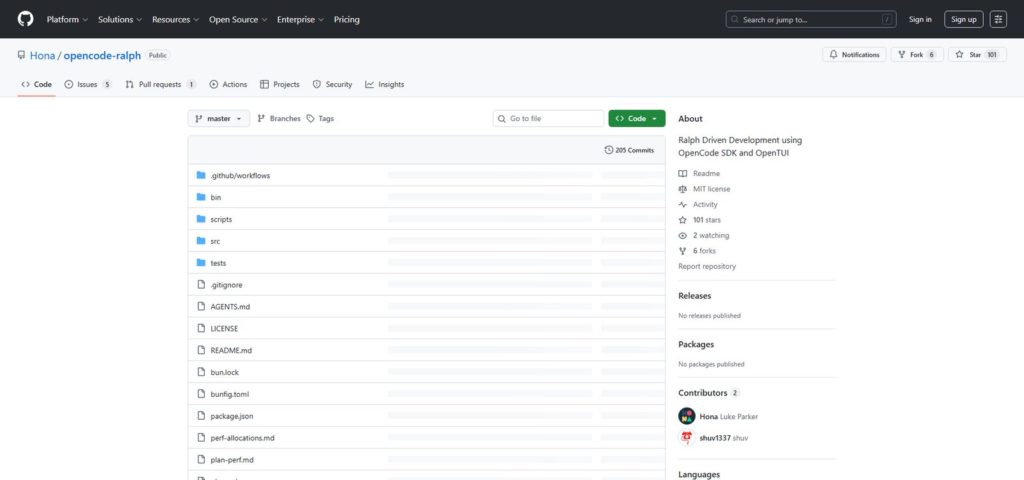
Ralph Driven Development runs AI agents in a loop. opencode-ralph brings this philosophy to OpenCode.
This article covers everything from installation to practical usage of opencode-ralph.
Key Takeaway: opencode-ralph is a CLI tool that implements Ralph loops using the OpenCode SDK. Just write a plan.md, and AI automatically executes tasks one by one, committing each change.
What is opencode-ralph?
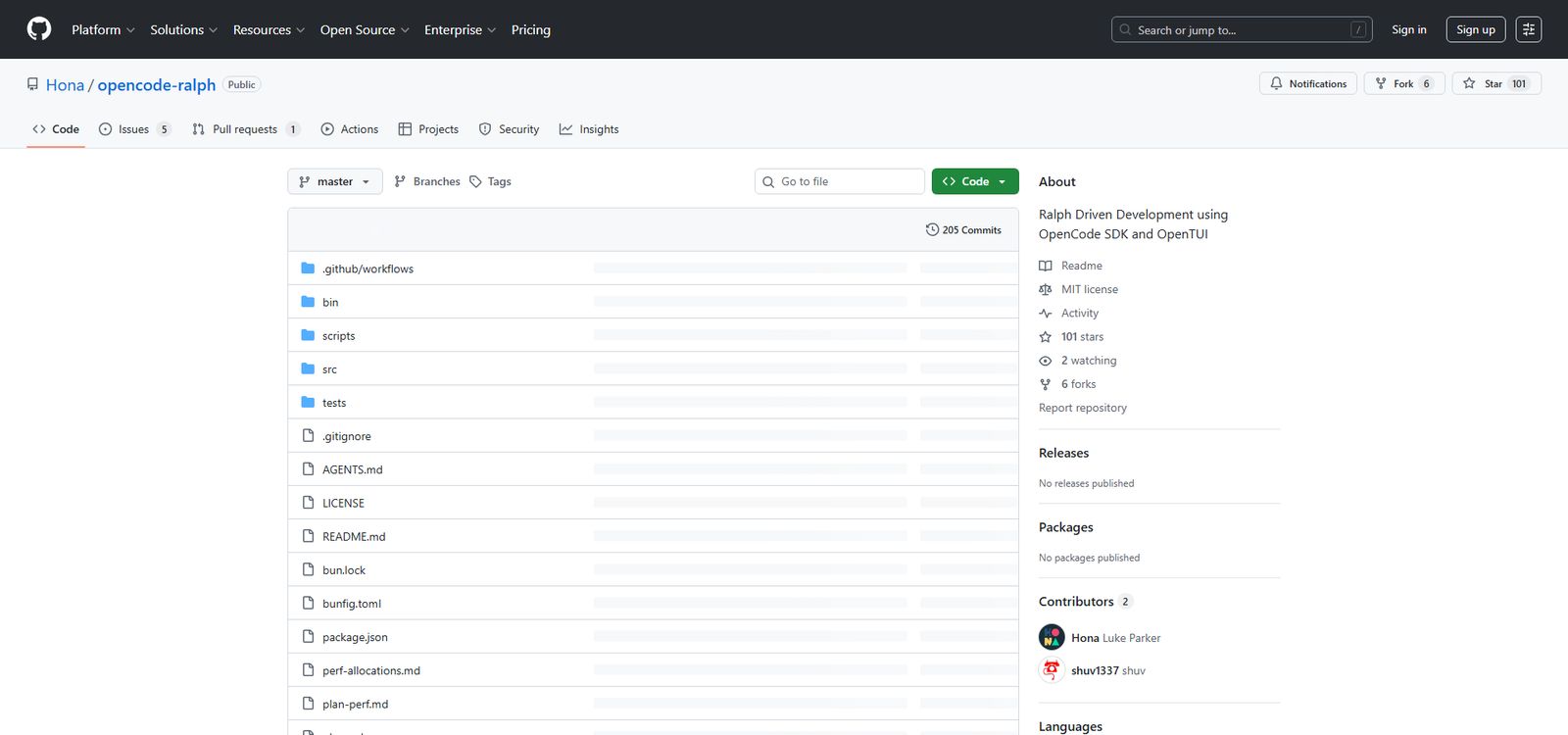
opencode-ralph is a CLI tool developed by Luke Parker (Hona). It implements Ralph Driven Development using the OpenCode SDK and OpenTUI.
Features
- Terminal UI: Beautiful interface powered by OpenTUI
- State Management: Pause and resume with .ralph-state.json
- Pause Functionality: Press p to pause anytime
- Model Selection: Specify any model with –model
Installation
Prerequisites
Install Stable Release
bun install -g @hona/ralph-cliInstall Dev Snapshot
For the latest features from the dev branch:
bun install -g @hona/ralph-cli@devBuild from Source
git clone https://github.com/hona/opencode-ralph.git
cd opencode-ralph
bun install
bun run build:single  # Compiles for current platform
Basic Usage
1. Create plan.md
First, create a plan.md in your project root:
# Project Plan

## Phase 1: Initial Setup
- [ ] Initialize project with bun init
- [ ] Add TypeScript configuration
- [ ] Create src/index.ts entry point

## Phase 2: Core Features
- [ ] Implement user authentication
- [ ] Add database connection
Key Point: Write tasks using – [ ] checkbox format. Ralph parses these to track progress.
2. Run the ralph Command
ralphThat's it. Ralph starts working.
Command Line Options
Examples
# Use a different plan file
ralph --plan BACKLOG.md

# Specify a different model
ralph --model anthropic/claude-opus-4

# Reset state and start fresh
ralph --reset
Default Prompt
The default prompt Ralph sends to AI:
READ all of {plan}. Pick ONE task. If needed, verify via web/code search
(this applies to packages, knowledge, deterministic data - NEVER VERIFY
EDIT TOOLS WORKED OR THAT YOU COMMITED SOMETHING. BE PRAGMATIC ABOUT
EVERYTHING). Complete task. Commit change (update the plan.md in the same
commit). ONLY do one task unless GLARINGLY OBVIOUS steps should run
together. Update {plan}. If you learn a critical operational detail,
update AGENTS.md. When ALL tasks complete, create .ralph-done and exit.
NEVER GIT PUSH. ONLY COMMIT.
{plan} is replaced with the plan file path.
Keybindings
During Ralph execution:
Generated Files
Ralph creates and uses these files:
Action: Add these to your .gitignore:
.ralph-*Tips for Writing plan.md
Break It Down Small
Bad:
- [ ] Add user authentication featureGood:
- [ ] Create login form UI
- [ ] Implement password validation
- [ ] Add JWT token generation
- [ ] Implement logout functionality
Mind the Order
For dependencies, write in sequence:
## Phase 1: Database
- [ ] Add PostgreSQL connection config
- [ ] Create user table migration
- [ ] Define user model

## Phase 2: API
- [ ] Create /api/users endpoint
- [ ] Implement user list API
Be Detailed
Ralph works more accurately with detail. 1000+ line plan.md files are common.
Integration with AGENTS.md
Ralph writes learnings to AGENTS.md. This helps avoid the same failures in future iterations.
# AGENTS.md

## Build
- Run `bun install` before `bun run dev`

## Pitfalls
- Never import from `solid-js`, use `@opentui/solid`
Caution: AGENTS.md becomes an accumulated knowledge base for the project. It's useful for human developers too, not just Ralph.
Architecture
Internal structure of opencode-ralph:
src/
├── index.ts      # CLI entry, wires TUI to loop
├── loop.ts       # Main agent loop
├── app.tsx       # Solid.js TUI root component
├── state.ts      # State types and persistence
├── plan.ts       # Plan file parser
├── git.ts        # Git operations
├── lock.ts       # Lock file management
├── prompt.ts     # User confirmation prompts
├── components/   # TUI components
└── util/         # Helper functions
Troubleshooting
Ralph Keeps Repeating the Same Task
Add explicit rules to AGENTS.md.
Context Fills Up Quickly
Tasks are too large. Break them into smaller pieces.
Lock File Remains
If the previous run terminated abnormally, .ralph-lock may remain. Delete it manually:
rm .ralph-lockSummary
opencode-ralph is a practical CLI tool for implementing Ralph Driven Development with OpenCode. Just write a plan.md and run the ralph command—AI automatically completes tasks one by one. All changes are recorded in git history, making tracking and rollbacks easy.
