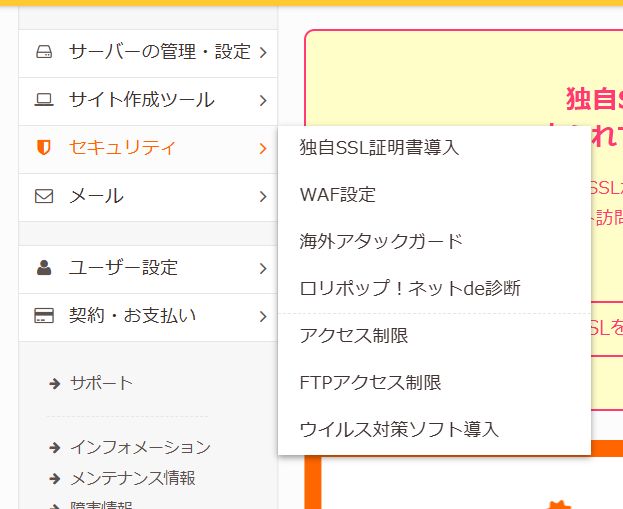
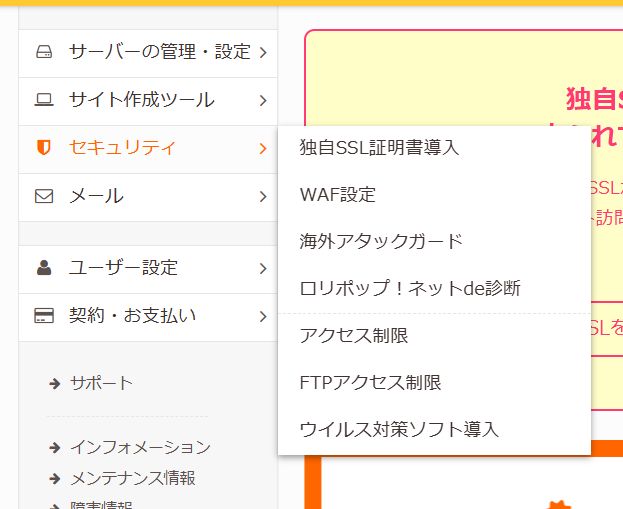
You might encounter an error message like this while browsing a website:
Access Denied You don't have permission to access "http://www.example-site.com/jp/" on this server. Reference #18.xxxx.xxxx.xxxx
This is not a typical application or WordPress error. It indicates a rejection at the infrastructure layer (CDN / WAF).
It often involves:
- CDN: Akamai
- WAF (Web Application Firewall)
- Access control based on Country, IP, or User-Agent
- Bot protection / Malicious traffic blocking
The key point is: "You are being blocked before even reaching the server."
Why Does This Happen? (Causes)
1. Rejection under Akamai (errors.edgesuite.net)
You are likely being blocked by Akamai CDN + WAF. Sometimes, only specific paths like /jp/ are restricted for users outside Japan (or vice versa).
For more details on Akamai errors, check this article: https://www.zidooka.com/archives/2590
2. IP Address / Geo-Restrictions
This is a common case where "you didn't do anything, but it appears."
- VPN / Overseas IP: Many Japanese sites block access from foreign IPs.
- Cloud Networks (AWS / GCP / Azure): Access from data centers is often treated as bot traffic.
- Corporate Networks: Specific company IPs might be blacklisted.
3. User-Agent (Browser Detection)
The server might be rejecting your "browser signature."
- Using command-line tools like curl or wget.
- Headless Chrome / Puppeteer.
- Very old browsers.
- If your access pattern looks like a bot.
4. Temporary Rate Limiting / Fraud Detection
- Accessing the site too many times in a short period.
- Repeatedly reloading the page.
- Concentrated access to a specific path.
Solutions (What You Can Do)
If you are not the server administrator, your options are limited. However, trying these might help:
- Disconnect VPN: If you are using a VPN, turn it off and try accessing with your regular ISP connection.
- Switch Networks: Try accessing from a mobile network (smartphone) instead of Wi-Fi.
- Incognito Mode: Cookies or cache might be triggering the block. Try Incognito/Private mode.
- Wait: If it's a temporary rate limit, waiting for a while often resolves the issue.
- Contact Administrator: If nothing works, contact the site admin with the Reference ID shown in the error.
For Administrators (If It's Your Site)
If users are reporting this error on your site:
- Check Akamai WAF rules.
- Review Geo-blocking / IP restrictions.
- Adjust Bot protection sensitivity (false positives).
- Check if specific paths (like /jp/) are inadvertently blocked.
This error is strictly an infrastructure-level rejection. Understanding that "it's not the app, it's the gatekeeper" is the first step to solving it.
